On-The-Blockサービス開発記 02: Flutter編
中間試験やいろいろな準備をしながら、隙間時間にブログを書くのは思ったより難しいです。 とにかく、今回はFlutter編です。
On-The-Blockサービス開発記 02: Flutter編
まず、私は過去に個人的にサービス化したいアプリがあったため、少しだけFlutterを触ってみた経験があります。私たちが実装するアプリの性質上、React NativeよりFlutterのほうが適していると思い、Flutterで開発することにしました。
iOS、Androidの両方でサービスをリリースできるようにする必要があったため、**「React Native vs Flutter」**で悩みました。AIに聞き、勉強し、周りにも聞いてみましたが、gRPCベースのリアルタイムチャットシステムを開発する必要がある点、アプリUIがそれほど複雑ではない点、Flutterで開発するほうが楽そうな点から、Flutterで開発することにしました。
開発前に共通ルールを作るため、チームメンバーとCLAUDE.md、AGENTS.md、Design.mdを作成し、これを基に開発することにしました。
まずバックエンドがまだ準備されていなかったため、フロント画面だけを実装するのは難しくなく、バグもあまりありませんでした。ルールを決め、一貫した形のpromptを使って開発を任せると、開発が非常に速く進みました。1日に1〜2時間程度投資し、4日ですべての画面を作りました。
下は使用したプロンプト例です。
Implement the Step 10 preference survey screen in `client/flutter_client`.

This screen is not finalized yet.
Use the current survey content(Preference.pdf) only as placeholder/example content. Translate in English to make a preference questions and answer buttons.
Do not treat the survey text or options as final product logic.

Requirements:
- Build only the UI structure for the survey flow
- Keep it easy to replace the content later
- Do not add backend logic
- Do not implement final recommendation logic
- Do not assume the survey schema is finalized
- Structure it so the survey content can be swapped out later without rewriting the screen
- Screen flow is Login -> show survey [Onboarding00.html](stitch_export/Onboarding00.html) -> [OnboardingPage.html](stitch_export/OnboardingPage.html) this page will have 10 steps.

Expected behavior:
- Render the survey screen cleanly
- Support showing question title, description, selectable options, and next/previous or progress UI if appropriate
- Treat all current text as placeholder content
- Minimize scope to this survey UI only

Use the existing app structure and theme.
Flutterフォルダ構造
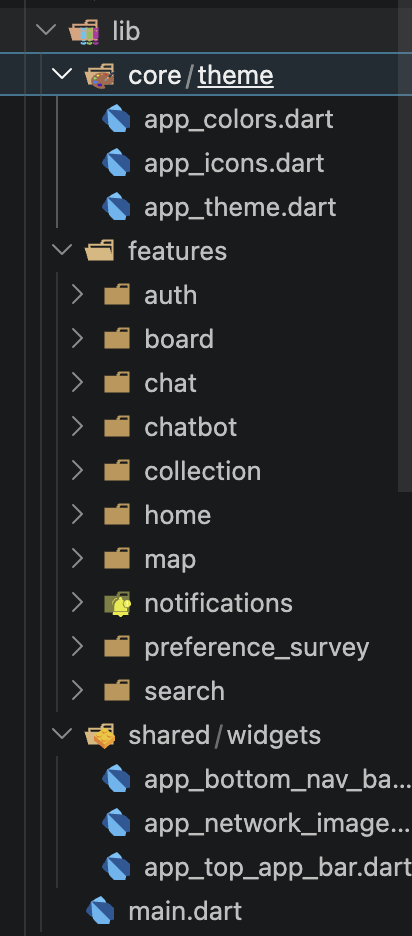
- themeにはlight/darkテーマがあり、私たちが作ったdesign.mdファイルの内容が入っています。
- featureには各画面別にフォルダがあり、その中に画面を構成するウィジェットがあります。たとえばonboardingフォルダにはオンボーディング画面を構成するウィジェットがあります。
- commonにはアプリ全体で共通して使われるウィジェットがあります。たとえばボタンやテキストフィールドなどです。
このように構想して開発を進め、私はチャットシステムを担当したため、その画面から開発を始めました。内容はこちらのリンクで確認できます。 *Chatting System*
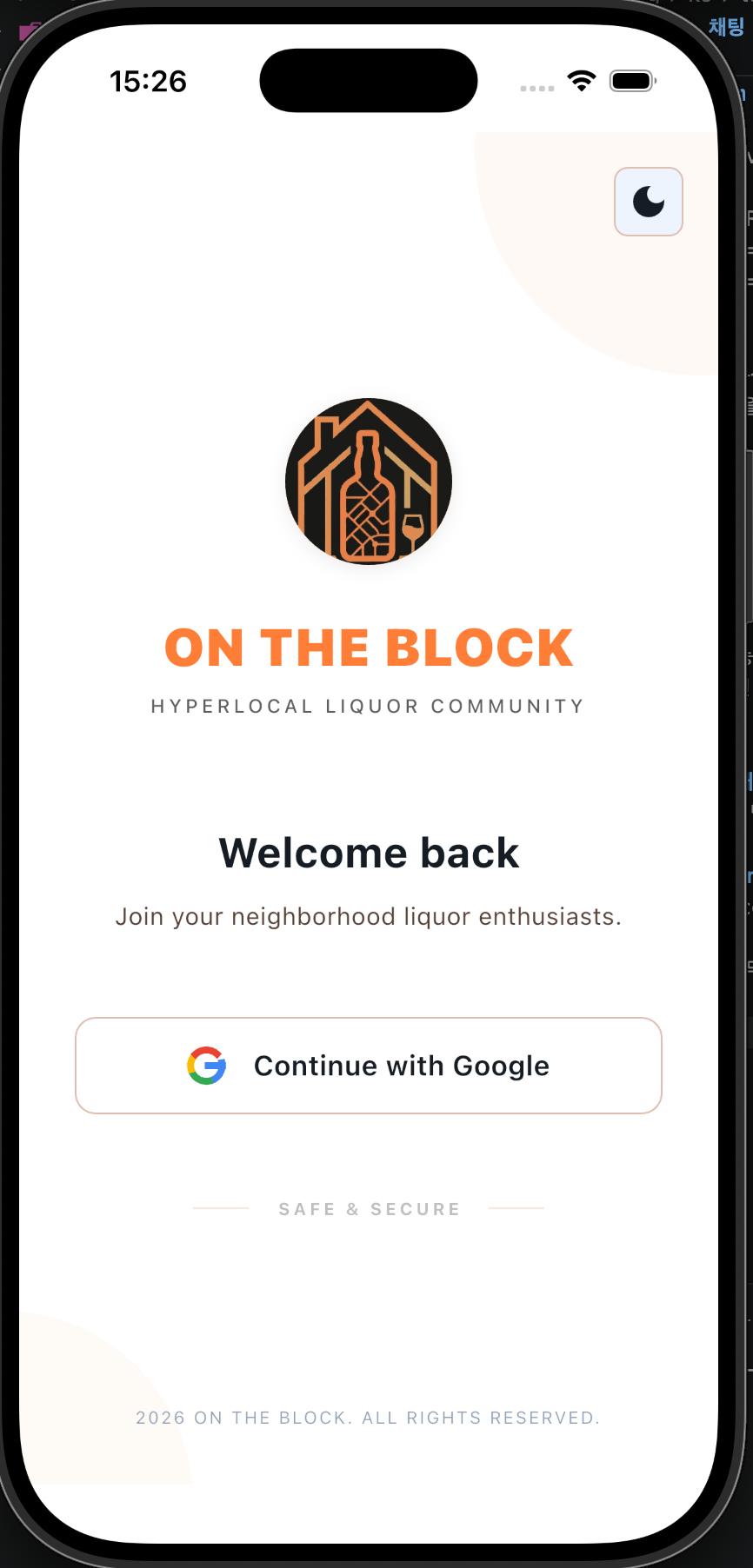
画面
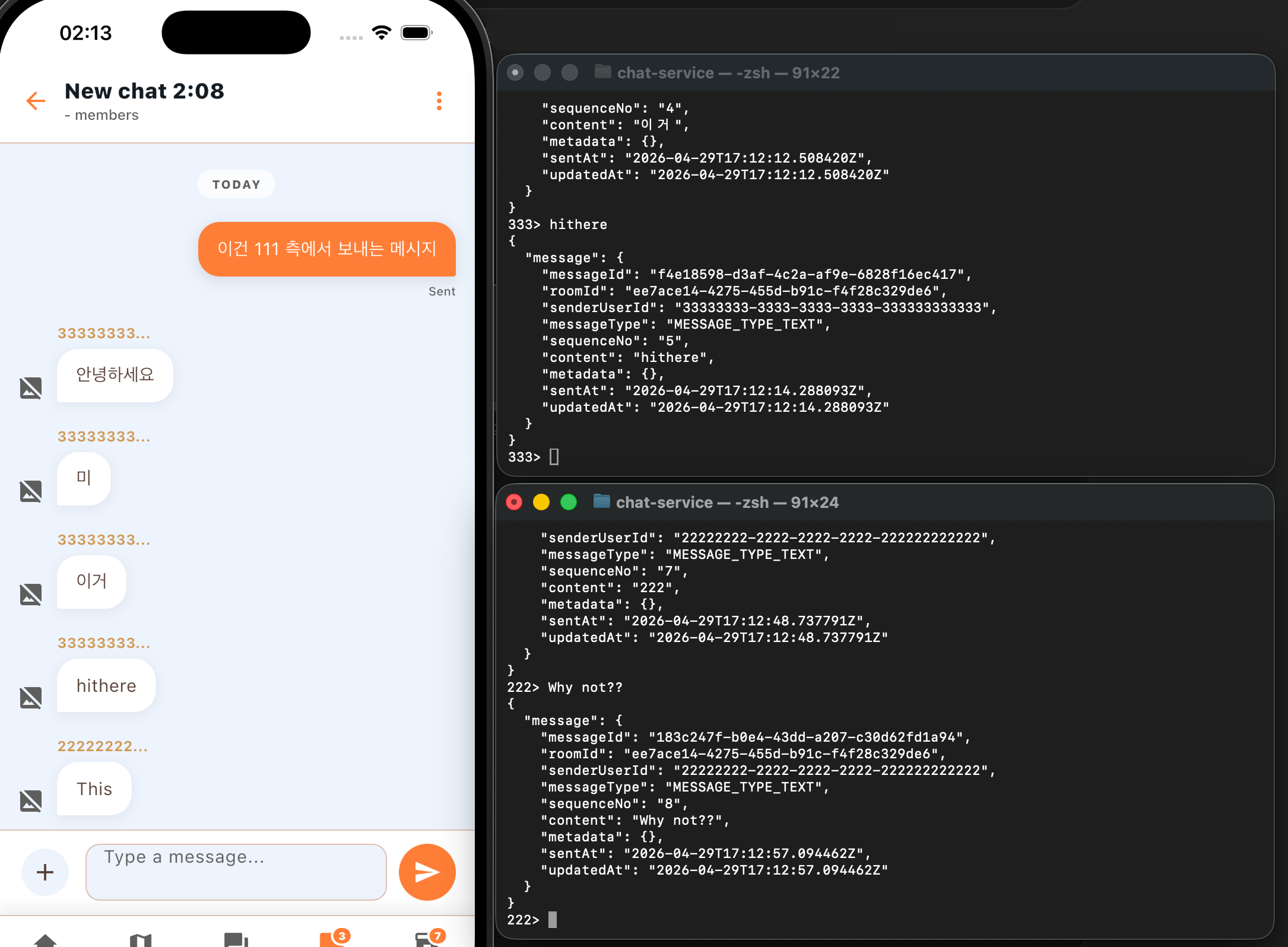
ひとまず作っておいた画面にチャットシステムを接続した状態なので、まだ未完成ですが、機能はうまく実装されています。このようにチャットを送ると、私のlocal PostgreSQL DBに内容が保存されます。
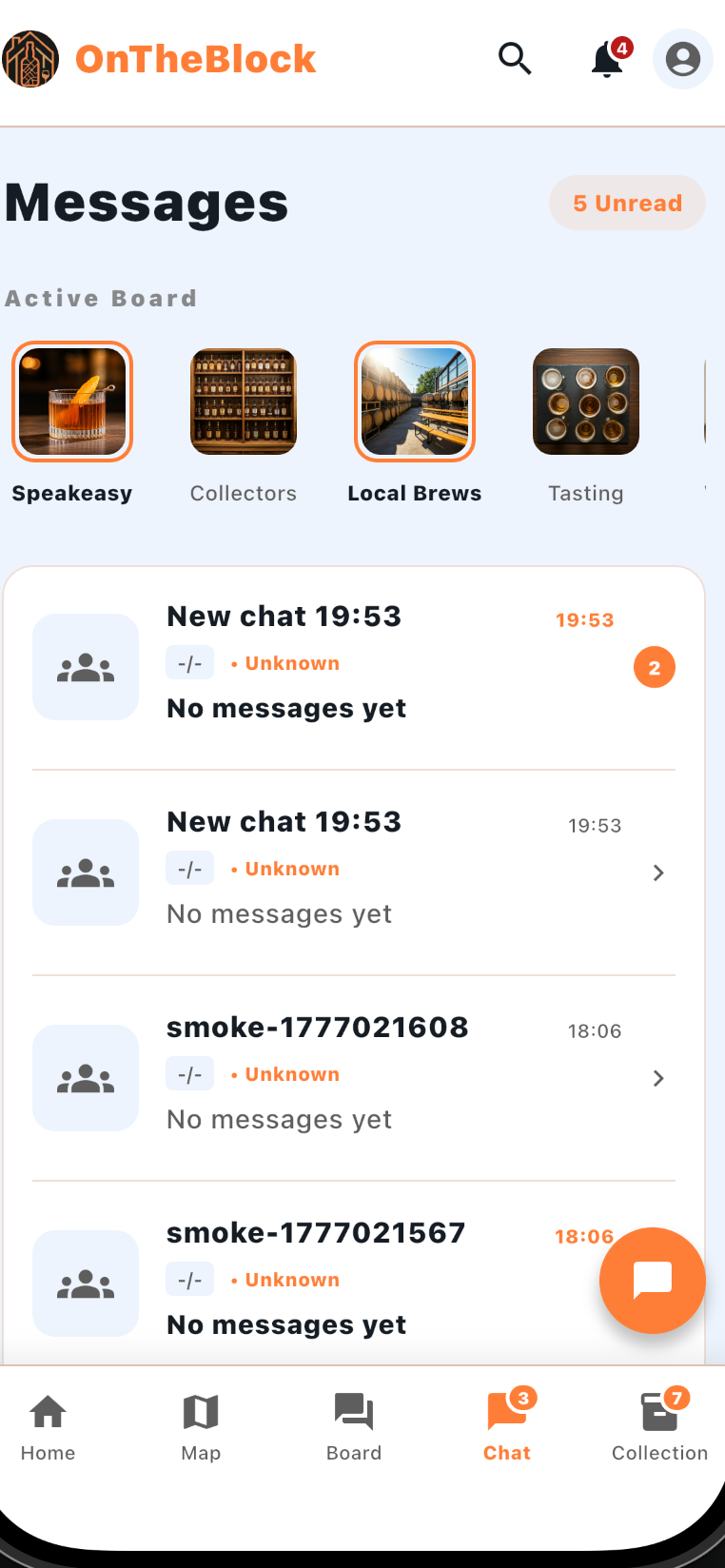
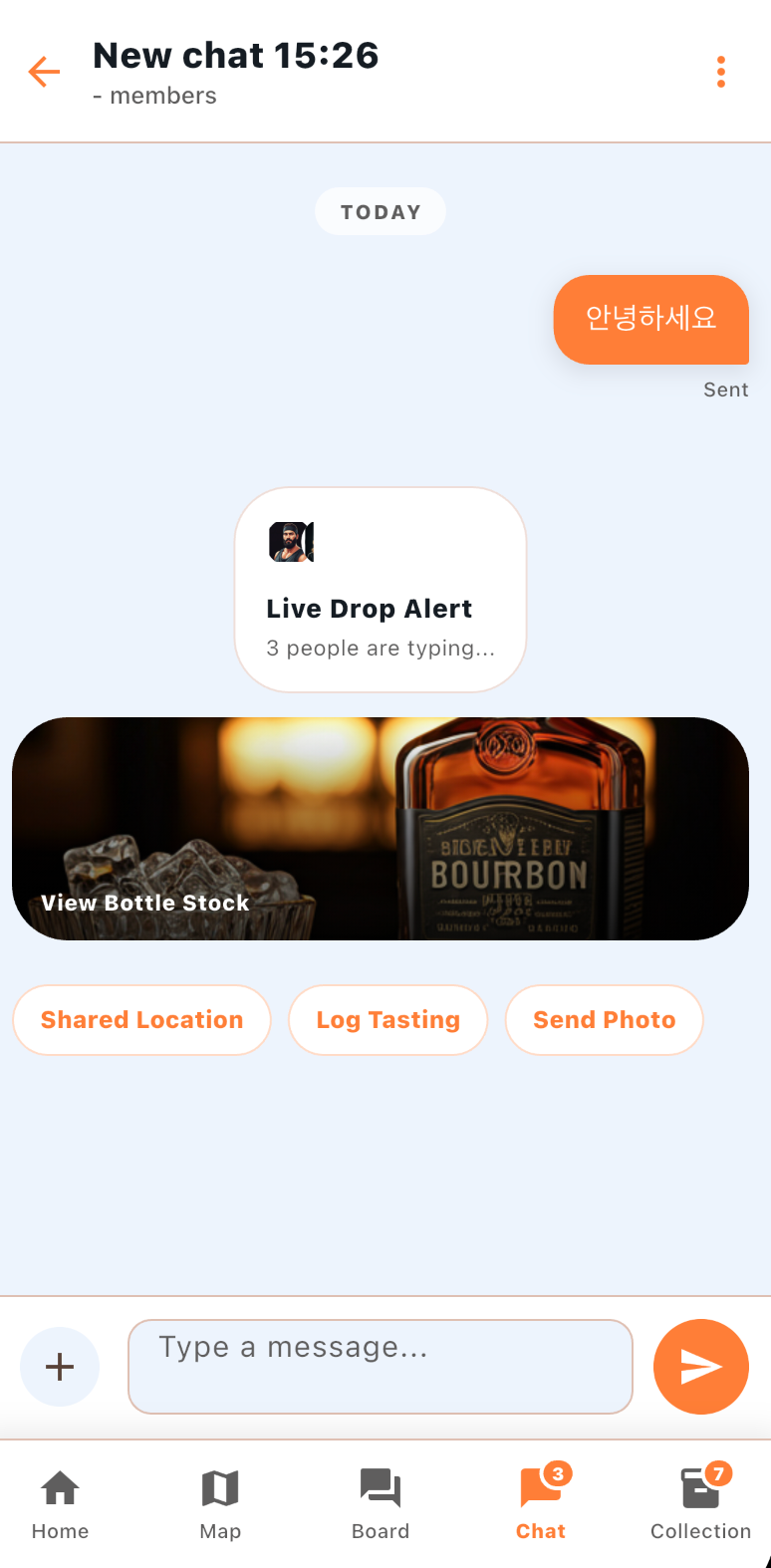
実際の画面
ターミナルでユーザーを立ち上げ、タイピングすると、作っておいたチャットルームに正しく送信される様子です。
댓글