On-The-Block Service Devlog 02: Flutter
Writing blog posts in small gaps while preparing for midterms and other things is harder than expected. Anyway, this time the topic is Flutter.
On-The-Block Service Devlog 02: Flutter
I had previously tried a little Flutter because there was an app I personally wanted to build. Given the characteristics of the app we need to implement, I thought Flutter was more suitable than React Native, so we decided to develop with Flutter.
Because the app needs to launch on both iOS and Android, we debated “React Native vs Flutter.” I asked AI, studied it, and asked people around me. Since we need to build a gRPC-based real-time chat system, the app UI is not overly complex, and Flutter seemed more comfortable for development, we chose Flutter.
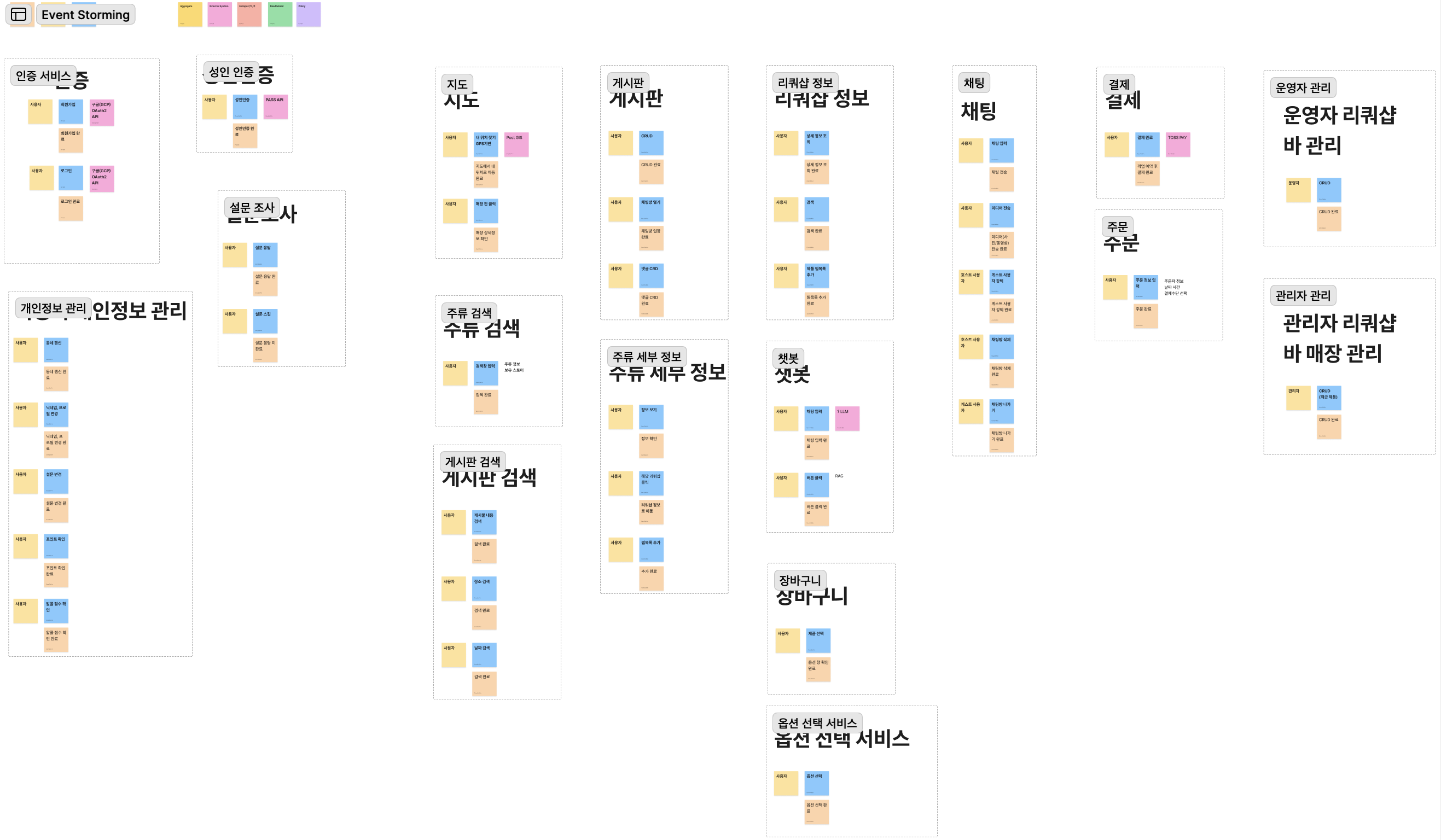
Before development, we created shared rules with teammates through CLAUDE.md, AGENTS.md, and Design.md, and decided to develop based on them.
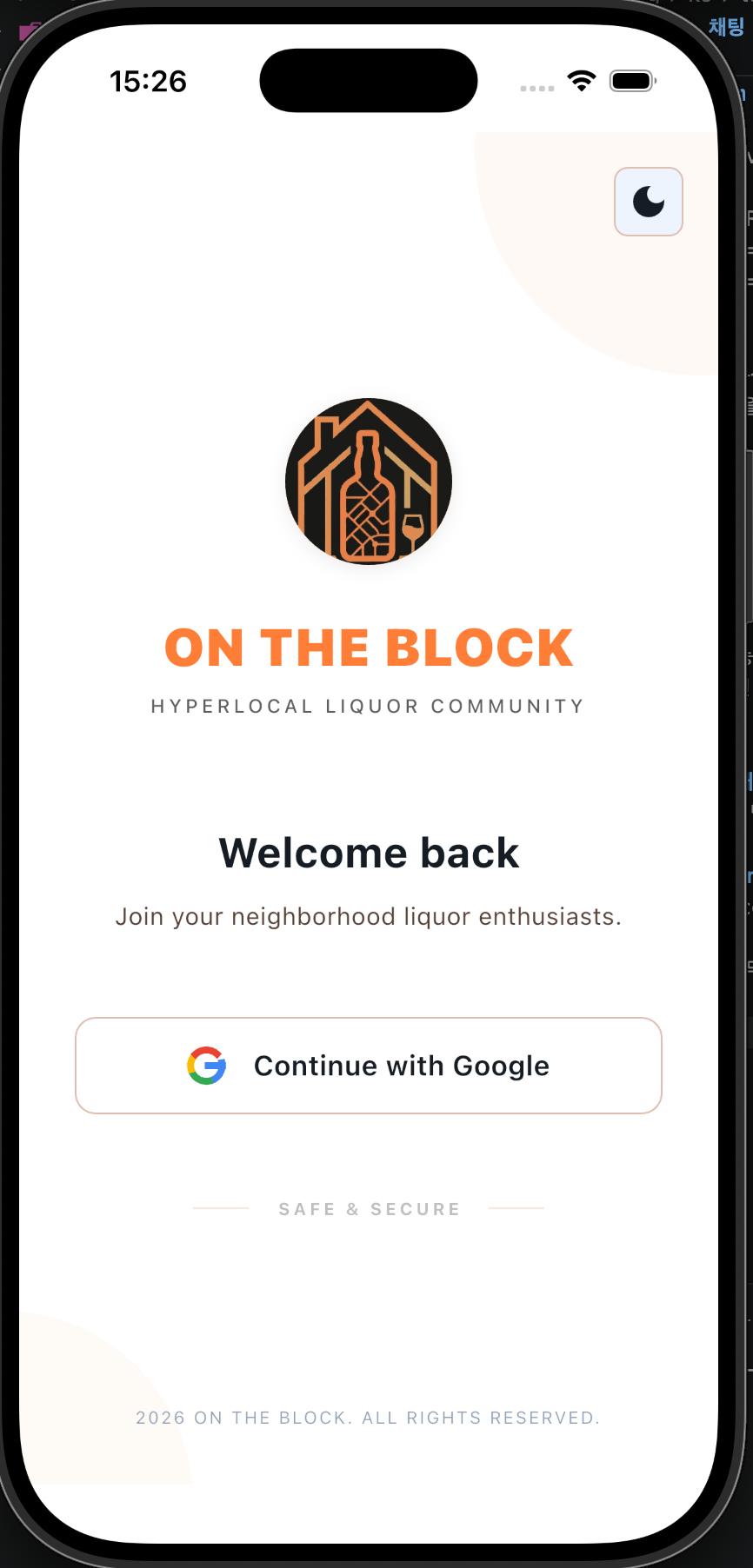
Since the backend was not ready yet, implementing only the frontend screens was not difficult, and there were not many bugs. Once the rules were set and we used consistent prompts, development progressed very quickly. By spending about one to two hours a day, we built every screen in four days.
Below is an example prompt we used.
Implement the Step 10 preference survey screen in `client/flutter_client`.

This screen is not finalized yet.
Use the current survey content(Preference.pdf) only as placeholder/example content. Translate in English to make a preference questions and answer buttons.
Do not treat the survey text or options as final product logic.

Requirements:
- Build only the UI structure for the survey flow
- Keep it easy to replace the content later
- Do not add backend logic
- Do not implement final recommendation logic
- Do not assume the survey schema is finalized
- Structure it so the survey content can be swapped out later without rewriting the screen
- Screen flow is Login -> show survey [Onboarding00.html](stitch_export/Onboarding00.html) -> [OnboardingPage.html](stitch_export/OnboardingPage.html) this page will have 10 steps.

Expected behavior:
- Render the survey screen cleanly
- Support showing question title, description, selectable options, and next/previous or progress UI if appropriate
- Treat all current text as placeholder content
- Minimize scope to this survey UI only

Use the existing app structure and theme.
Flutter Folder Structure
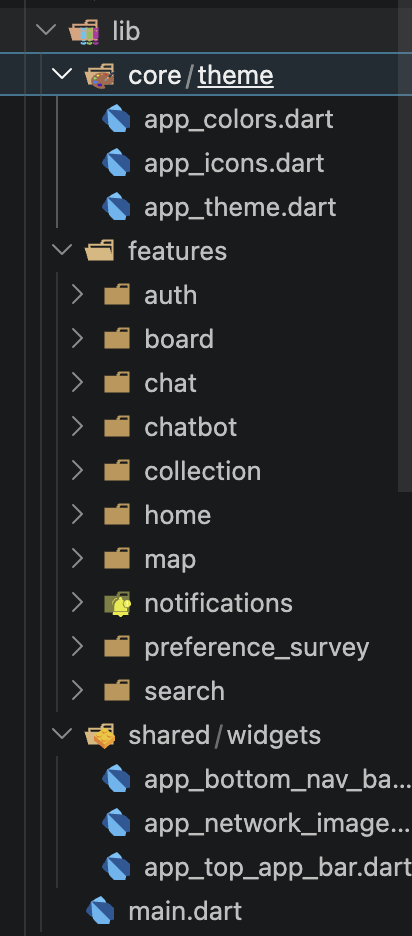
- The theme folder contains light/dark themes and the contents of our design.md file.
- The feature folder has a folder per screen, and each folder contains widgets that compose that screen. For example, the onboarding folder contains widgets for the onboarding screen.
- The common folder contains widgets used across the whole app, such as buttons and text fields.
We designed it this way and started development. Since I was responsible for the chat system, I started with that screen. You can check the details through this link: *Chatting System*
Screens
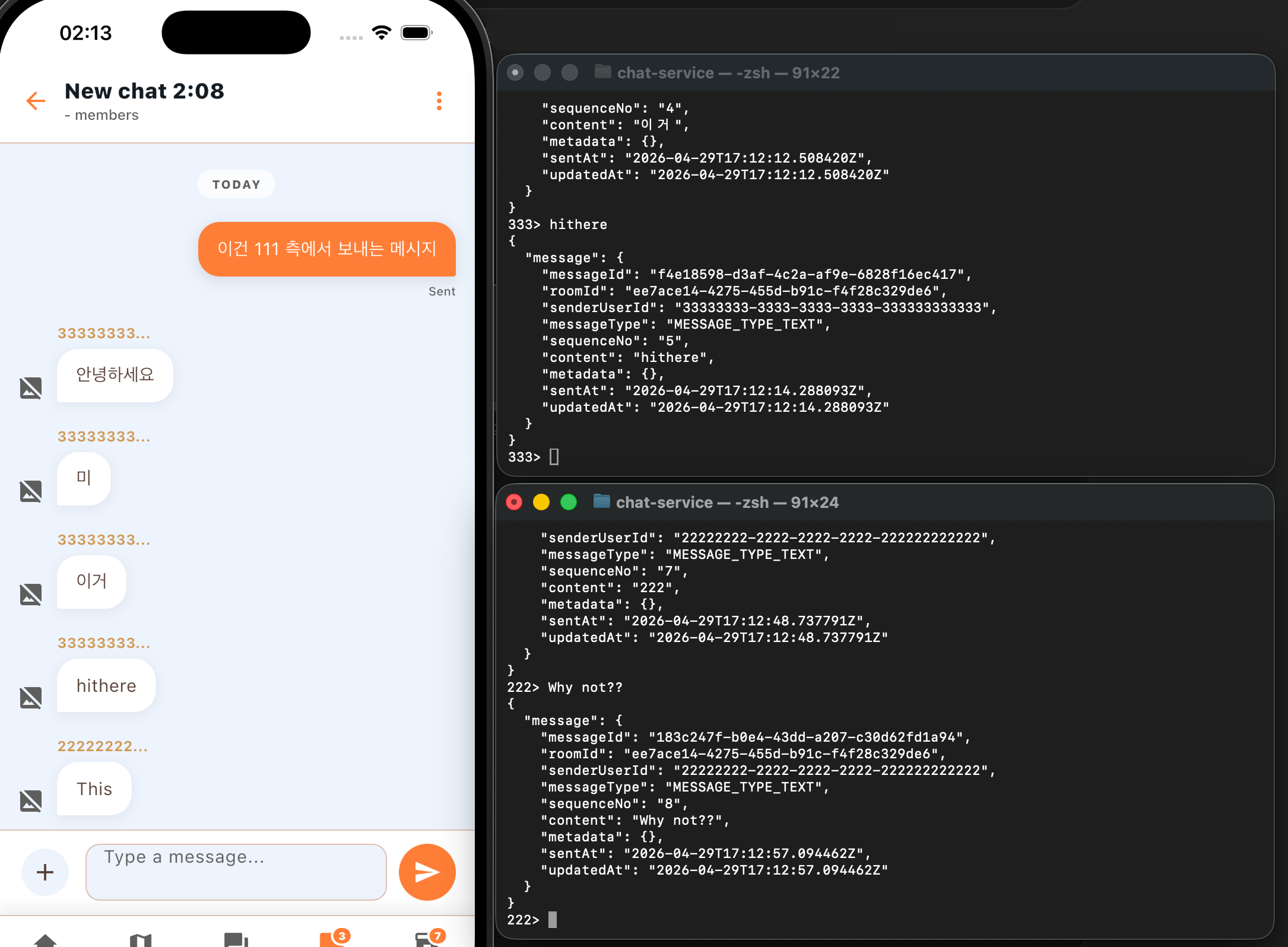
For now, I connected the chat system to the screens we had already built. It is not complete yet, but the core feature works. When I send a chat like this, the content is saved to my local PostgreSQL DB.
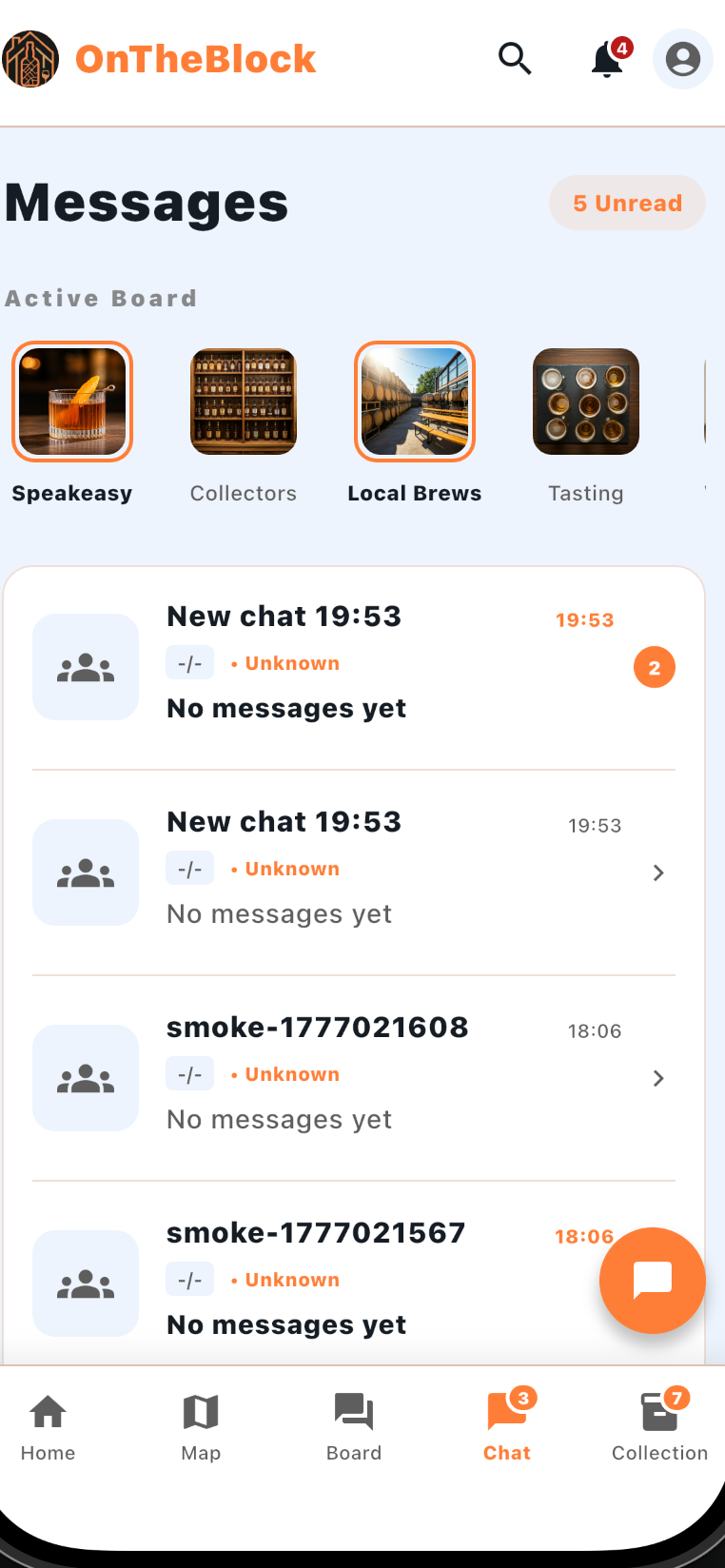
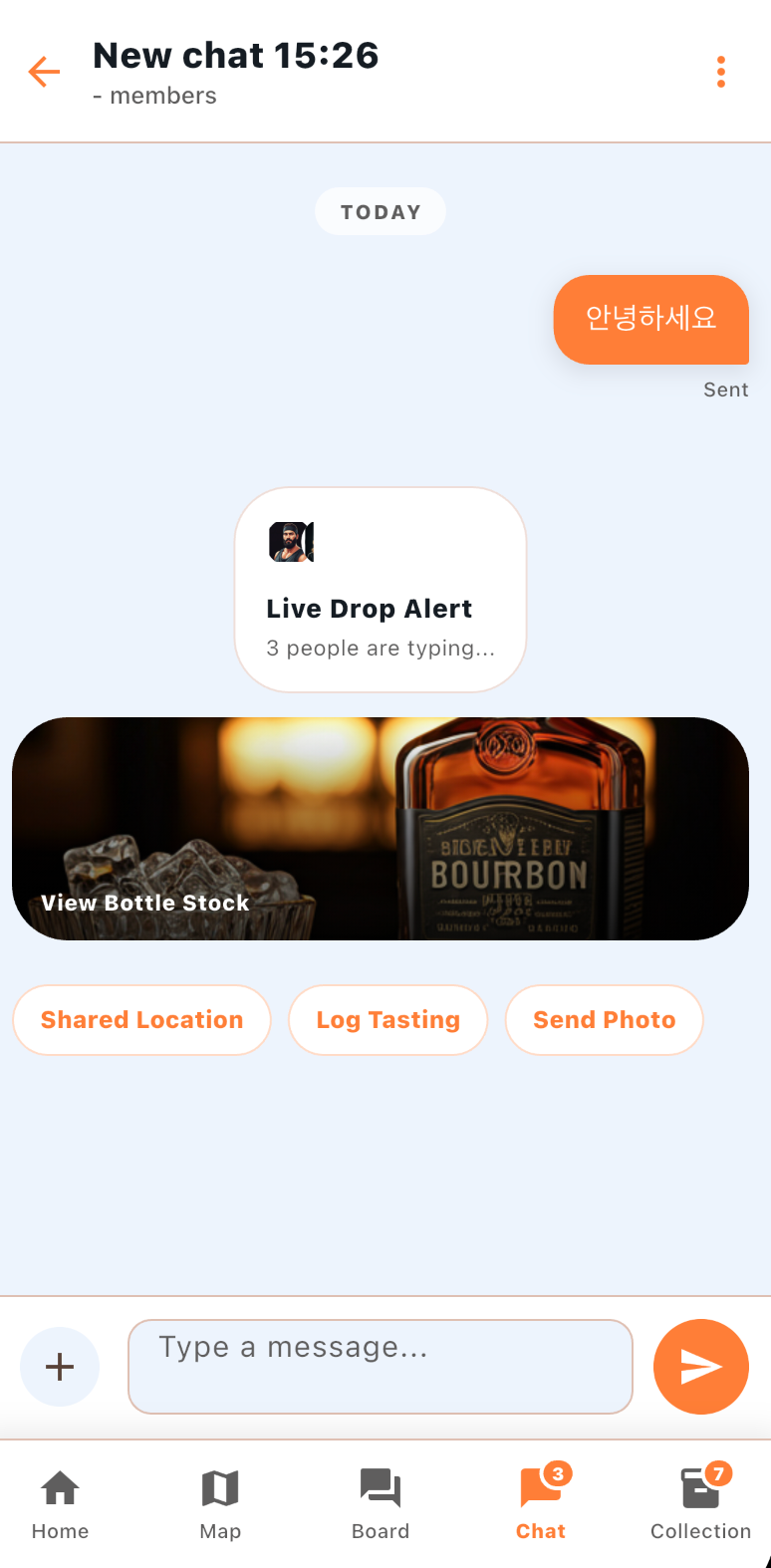
Real Screen
This shows that when I run a user from the terminal and type, messages are sent correctly to the chat room I created.
댓글