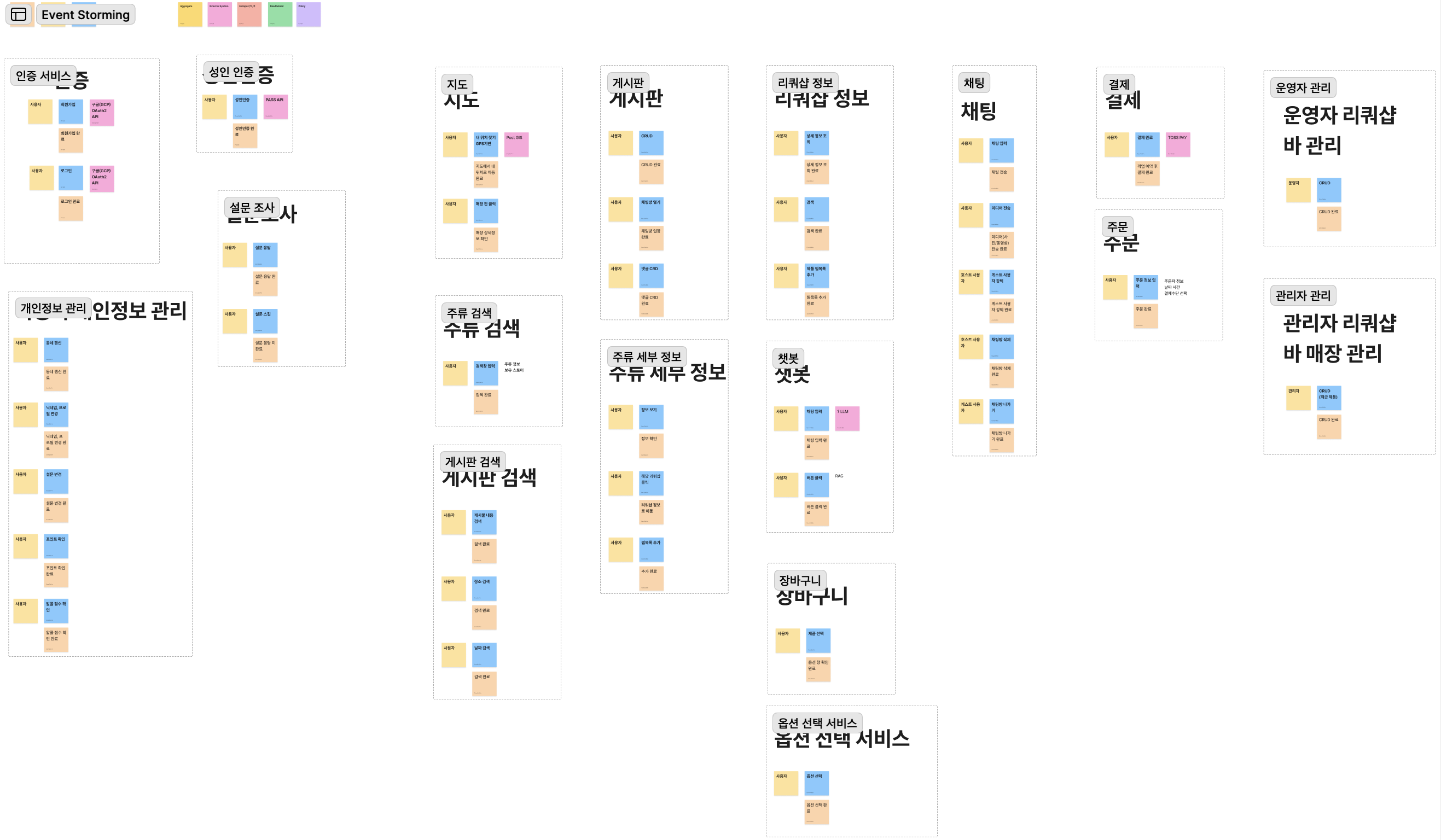
On-The-Block 서비스 개발기 02 : Flutter편
중간고사랑 이것 저것 준비하면서 틈틈이 블로그를 작성하는게 생각보다 어렵네요;; 아무튼, 이번에는 Flutter편 입니다.
On-The-Block 서비스 개발기 02 : Flutter편
우선, 저는 과거에 개인적으로 서비스를 하고 싶었던 어플이 있었기에, 조금이나마 Flutter를 찍먹해 본 경험은 있고, 저희가 구현해야하는 앱 특성상 React Native보다는 Flutter가 더 적합하다고 생각이 되어서 Flutter로 개발하기로 했습니다.
IOS, Android 둘 다 서비스 런칭이 가능하게 만들어야 했기에, “React Native vs Flutter” 를 두고 고민을 했고, AI에게 물어보고 공부도 해보고, 주변에 물어보기도 했는데, gRPC 기반 실시간 채팅 시스템 을 개발해야 하는 점과, 앱의 UI가 복잡한 편이 아니고, Flutter로 개발하는게 더 편할 것 같아서 Flutter로 개발하기로 했습니다.
그래서 개발하기 전에 공통된 규칙들을 만들기 위해서 팀원들과 CLAUDE.md, AGENTS.md, Design.md를 만들었으며, 이를 기반으로 개발을 진행하기로 했습니다.
우선, 벡엔드가 아직 준비가 되지 않았기 때문에, 프론트 화면만을 구현하는 것은 어렵지 않았고, 버그도 얼마 없었습니다. 규칙을 정해두고 일관된 형태의 prompt를 사용해서 개발을 맡기니까 개발이 매우 빠르게 진행되었고 하루에 1 ~ 2시간 정도 투자해서 4일만에 모든 화면을 만들었습니다.
아래는 사용했던 프롬프트 예시입니다.
Implement the Step 10 preference survey screen in `client/flutter_client`.

This screen is not finalized yet.
Use the current survey content(Preference.pdf) only as placeholder/example content. Translate in English to make a preference questions and answer buttons.
Do not treat the survey text or options as final product logic.

Requirements:
- Build only the UI structure for the survey flow
- Keep it easy to replace the content later
- Do not add backend logic
- Do not implement final recommendation logic
- Do not assume the survey schema is finalized
- Structure it so the survey content can be swapped out later without rewriting the screen
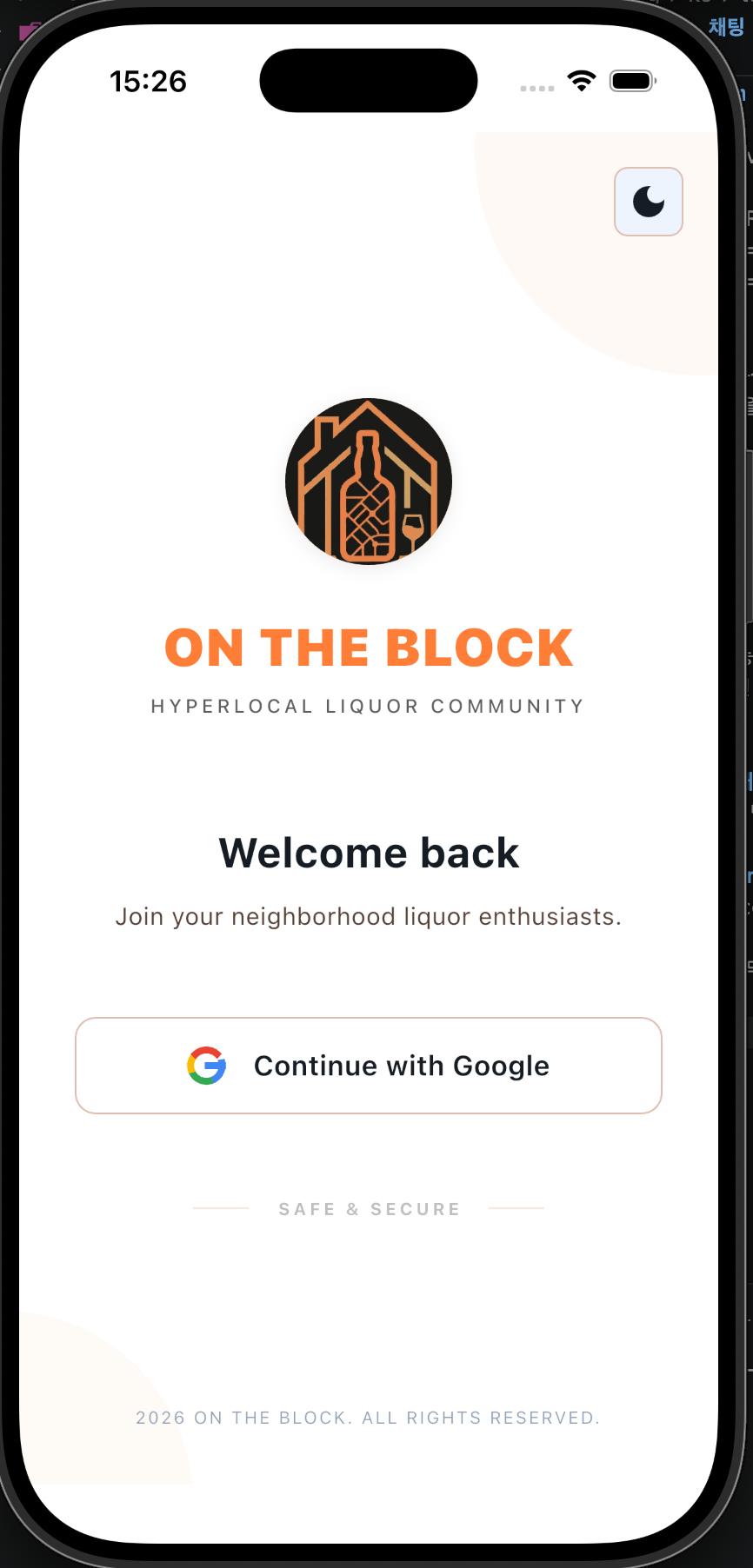
- Screen flow is Login -> show survey [Onboarding00.html](stitch_export/Onboarding00.html) -> [OnboardingPage.html](stitch_export/OnboardingPage.html) this page will have 10 steps.

Expected behavior:
- Render the survey screen cleanly
- Support showing question title, description, selectable options, and next/previous or progress UI if appropriate
- Treat all current text as placeholder content
- Minimize scope to this survey UI only

Use the existing app structure and theme.
Flutter 폴더 구조
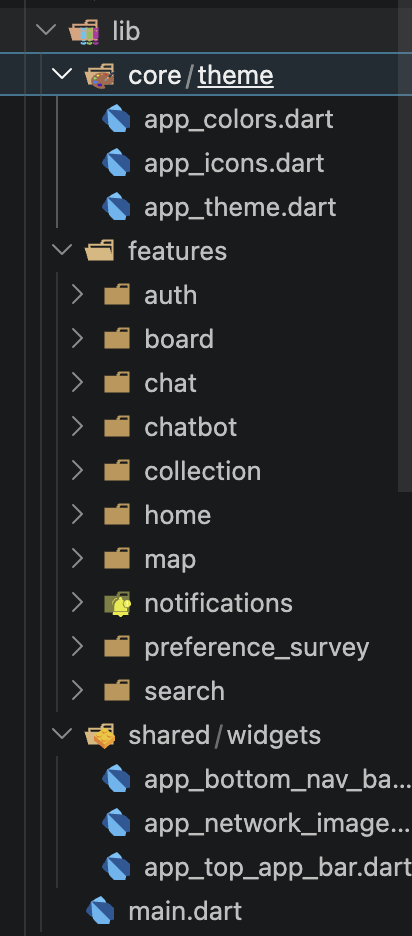
- theme에는 light/dark 테마가 있고, 저희가 만든 design.md 파일의 내용이 담겨 있습니다.
- feature에는 각 화면별로 폴더가 있고, 그 안에 화면을 구성하는 위젯들이 있습니다. 예를 들어, onboarding 폴더에는 온보딩 화면을 구성하는 위젯들이 있습니다.
- common에는 앱 전체에서 공통적으로 사용되는 위젯들이 있습니다. 예를 들어, 버튼이나 텍스트 필드 같은 것들이 있습니다.
이렇게 구상을 해두고 개발을 진행했고, 저는 채팅 시스템을 맡았기에 해당 화면부터 개발을 시작했습니다. 내용은 여기 링크를 통해서 확인하실 수 있습니다. *Chatting System* 으로 이동하기
화면
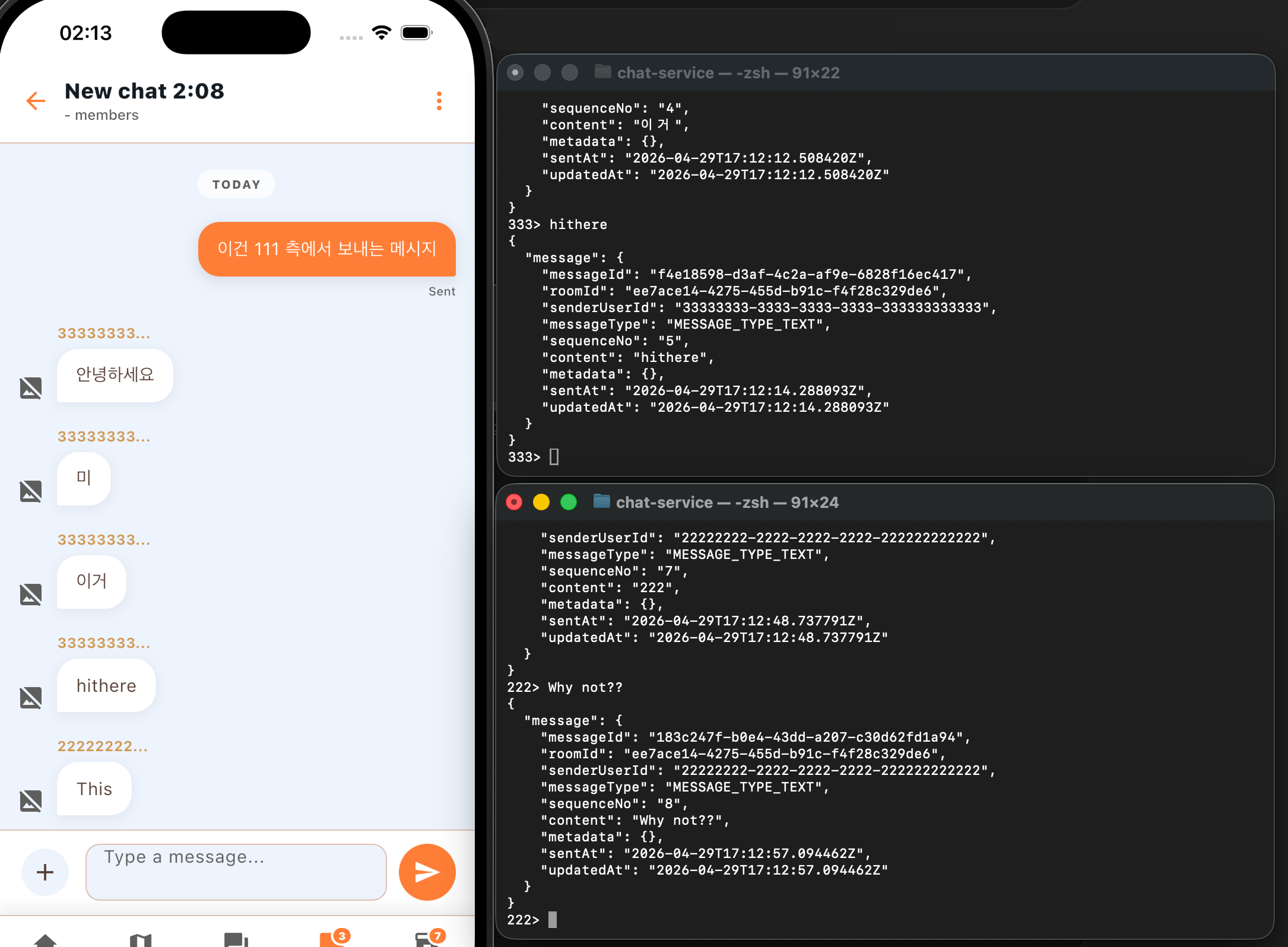
일단, 만들어두었던 화면에 채팅 시스템을 연결한거라 아직 미완이지만, 기능은 잘 구현된 상태입니다. 저렇게 채팅을 보내면, 제 local postgreSQL DB에 내용이 저장됩니다.
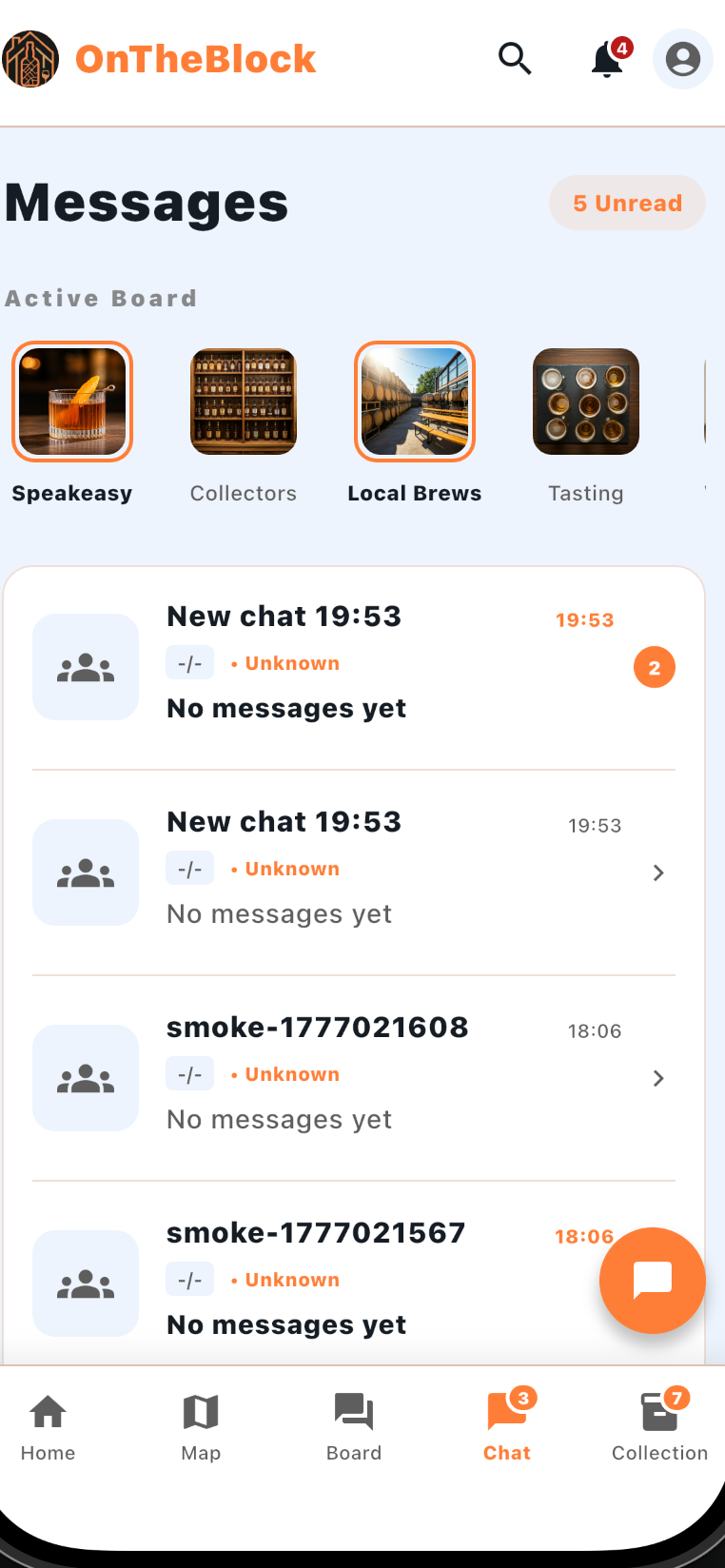
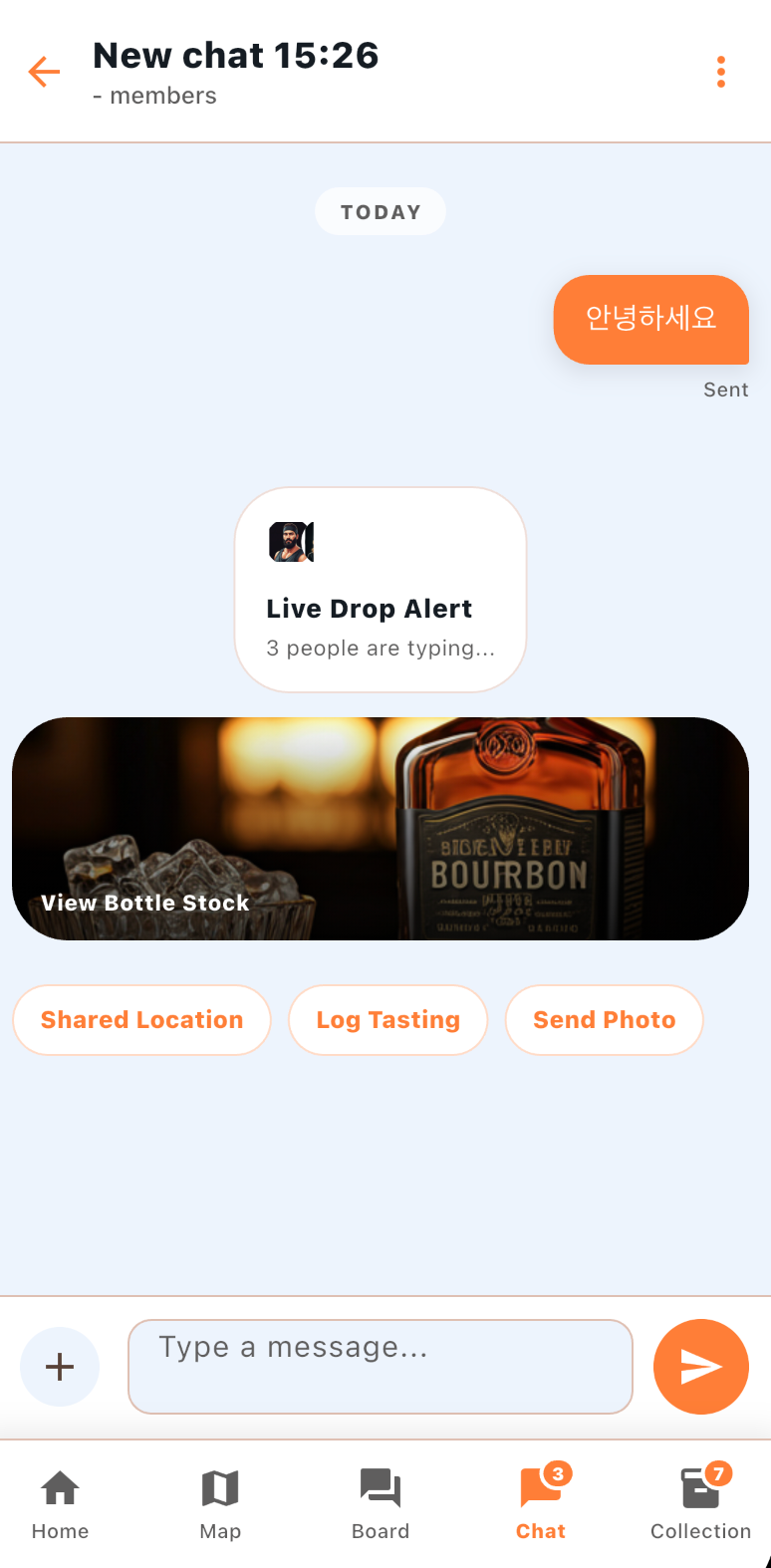
실제 화면
터미널로 유저 띄워두고, 타이핑을 하면 만들어둔 채팅방에 잘 전송되는 모습입니다.
댓글